How to Onboard an LU Account
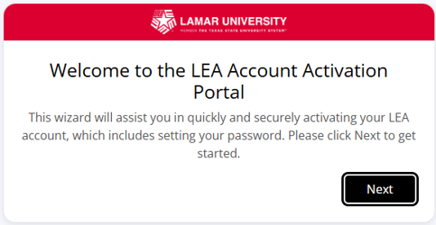
1. The Account Claim email is sent to your personal email address with an authorization Code. Clicking on the link you receive in the email will bring you to the LEA Portal activation page. Click Next.
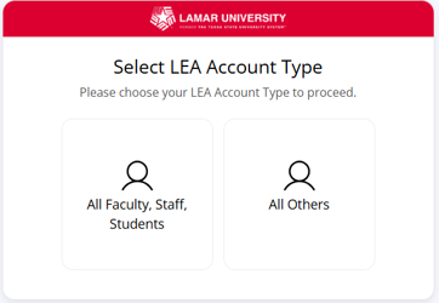
2. Select you account type.
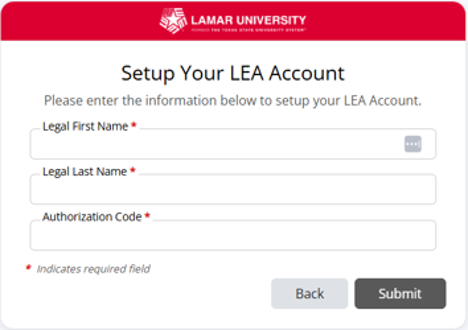
3. Enter your Legal First Name, Legal Last Name, and Authorization Code.
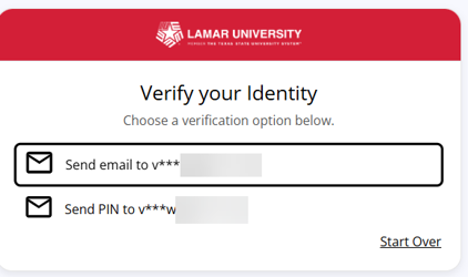
4. Select where you want the identity verification to go to.
5. A second notification is sent to the address you select from screen prompt “Continue LEA Account Claim”
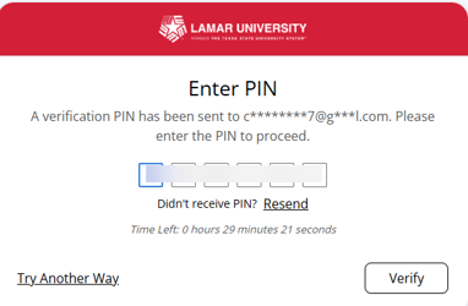
6. Enter the pin that is sent in the email. Review and accept the Appropriate Use Policy.
7. You will need to enter the PIN sent to your email in order to proceed to the next step.
8. User must enter or confirm recovery information (NOTE: recovery email cannot be a Lamar email address)
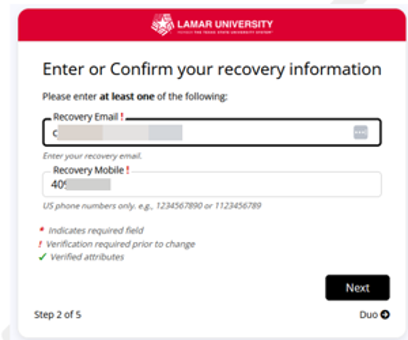
9. A pin is sent to both recovery email and mobile.
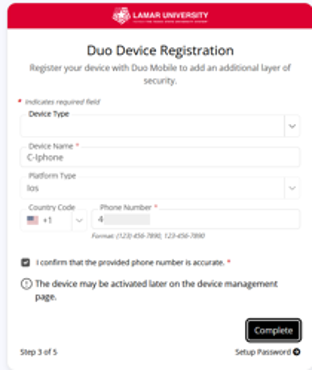
10. You will be prompted to register your Duo Device.
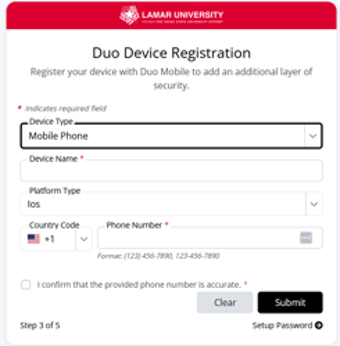
11. Add an additional layer of security for Duo (optional).
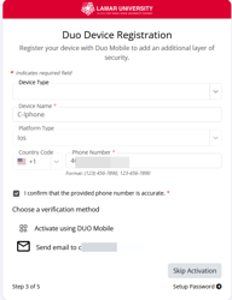
12. Duo Device Registration continued, Click Complete
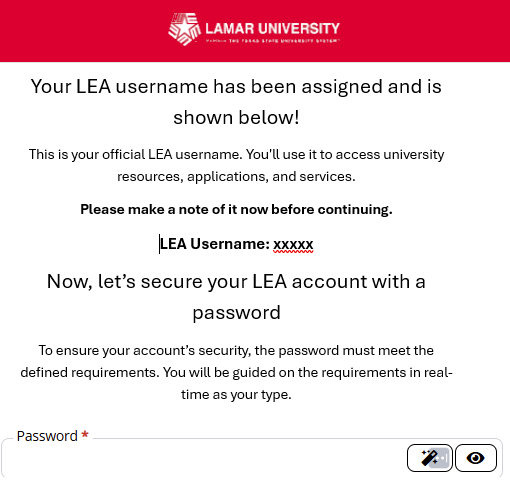
13. Take note of your LEA username! and enter your desired password. (must meet requirements as listed on the screen)"
Upon completion, you will be directed to the LU Connect web page